
netclaw init
netclaw init runs the bootstrap wizard — four or five steps depending on your security posture — that get netclaw from zero to a working chat session. Run it once on a fresh install. If you need to adjust channels, search, exposure mode, or skills after setup, use netclaw config instead.
netclaw initBefore you begin
Section titled “Before you begin”- LLM provider credentials — an OpenRouter API key (easiest) or Ollama installed locally
- Anthropic, OpenAI, or other cloud-provider API key if not using OpenRouter
Channel tokens (Slack, Discord, Mattermost), search providers, browser automation, skill sources, and network exposure are all configured in netclaw config after init — you don’t need them now.
Wizard steps
Section titled “Wizard steps”The wizard counts steps dynamically: 4 steps for Personal posture (the Enabled Features step is skipped), 5 steps for Team or Public.
Step 1 — Provider
Section titled “Step 1 — Provider”Pick an LLM provider, enter credentials, and select a default model.
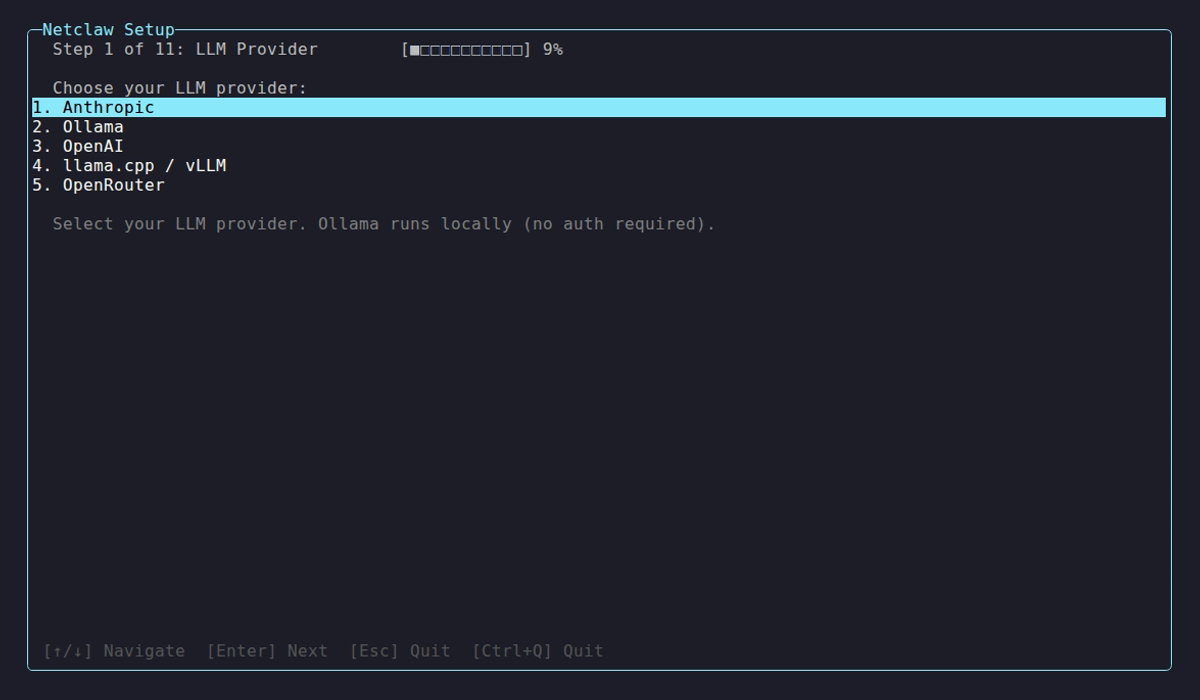
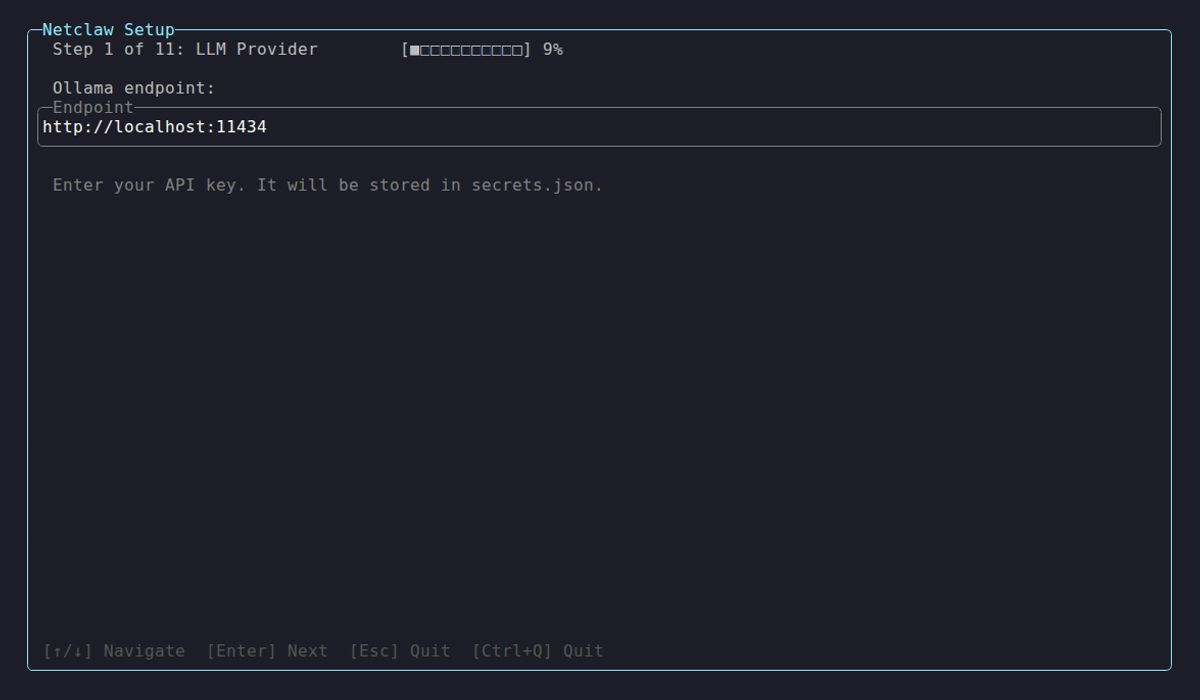
Available providers: Anthropic, GitHub Copilot, Ollama, OpenAI, llama.cpp / vLLM, OpenRouter, and Venice.ai. Self-hosted backends (Ollama, llama.cpp / vLLM) prompt for an endpoint URL next.
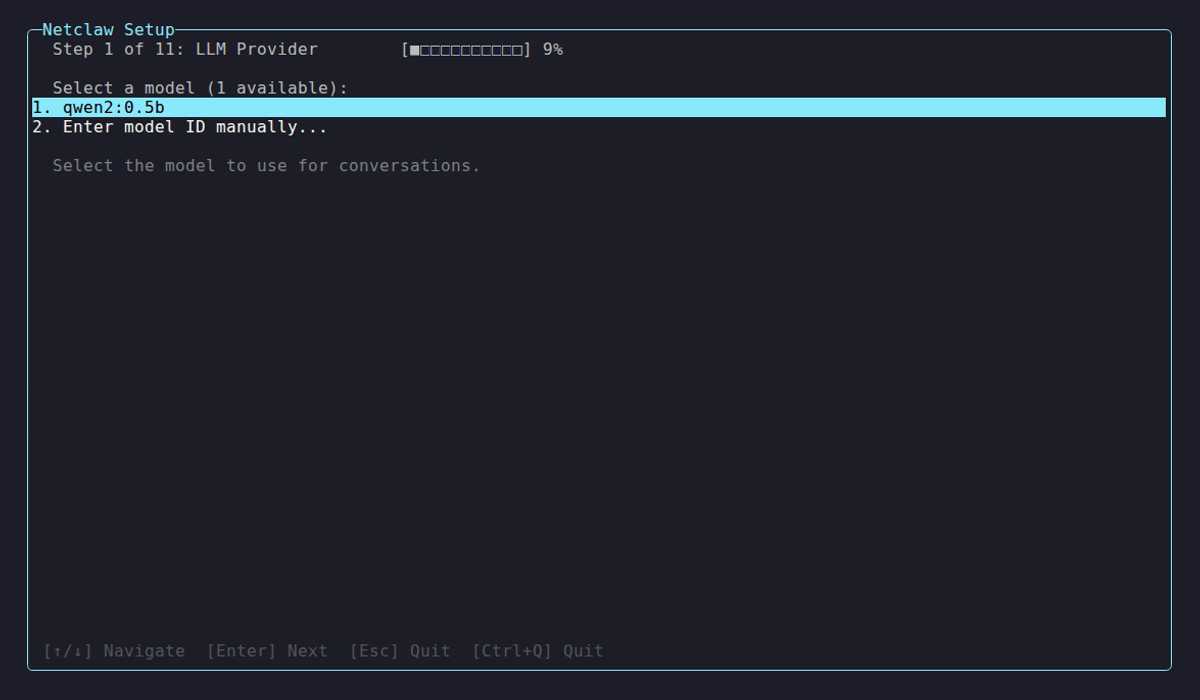
After credentials pass a connectivity check, you pick a default model from the discovered list.
Add or swap providers later with netclaw provider. Reassign model roles without re-running init with netclaw model.
Step 2 — Identity
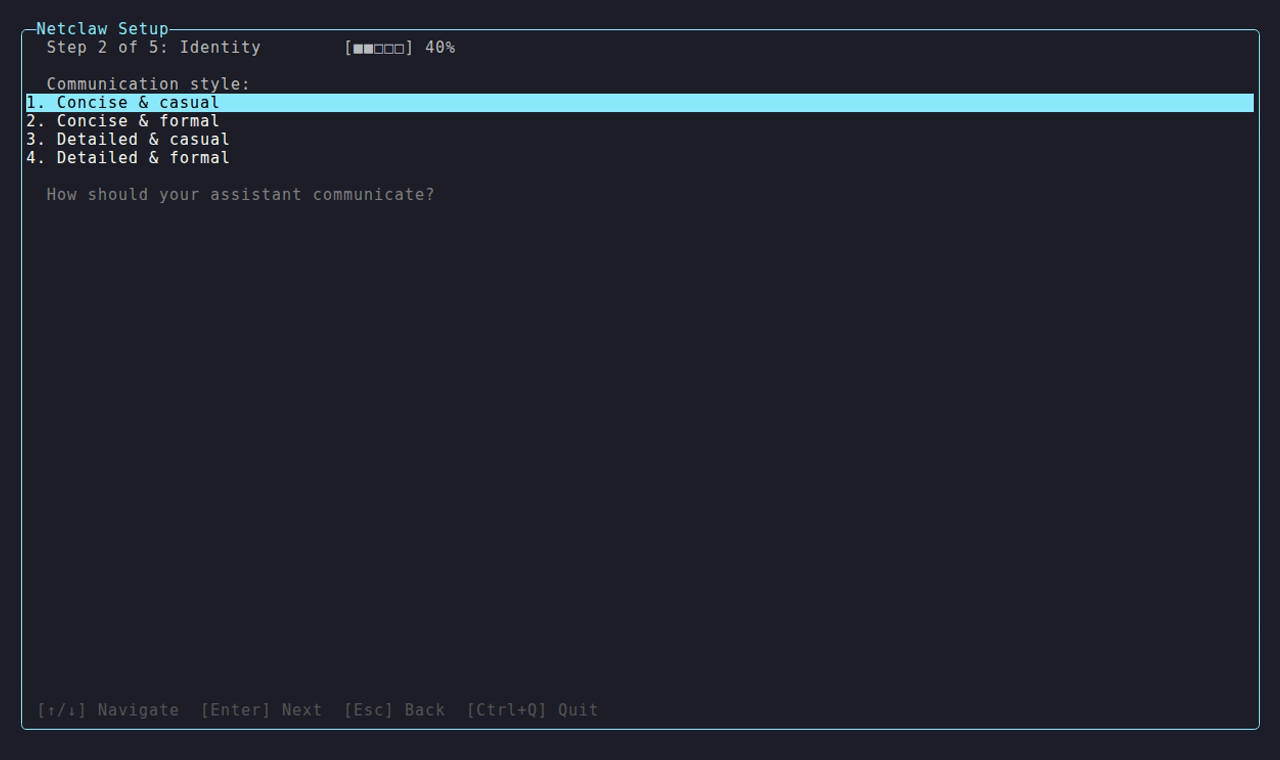
Section titled “Step 2 — Identity”Four substeps in order: agent name → communication style → your name → timezone.
| Substep | Prompt | Notes |
|---|---|---|
| Agent name | Agent name: | Defaults to Netclaw if left blank |
| Communication style | Communication style: | Choose: Concise & casual, Concise & formal, Detailed & casual, Detailed & formal |
| Your name | Your name: | Optional — used to personalize responses |
| Timezone | Your timezone: | Defaults to local system timezone |
Step 3 — Security Posture
Section titled “Step 3 — Security Posture”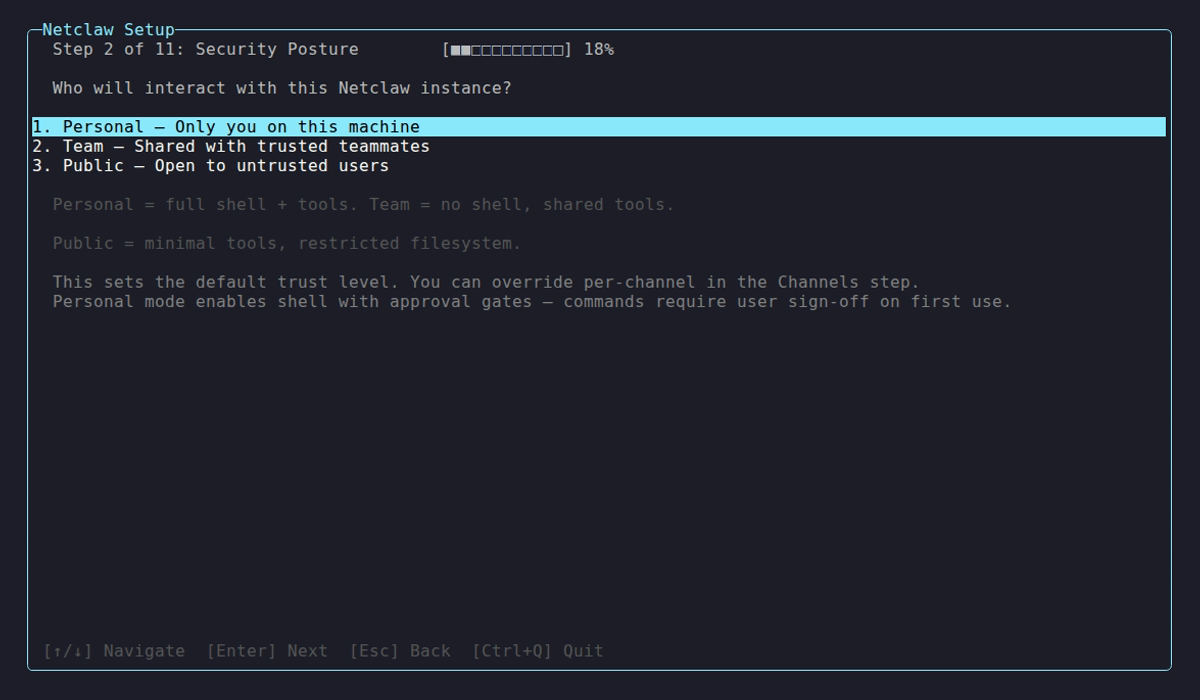
Three postures are listed with a brief annotation; the hint line below explains the shell-access implications of each.
| Posture | Who uses it | Shell access | Enabled Features step |
|---|---|---|---|
| Personal | Single user, high trust | Enabled with approval gates | Skipped (all features on by default) |
| Team | Multiple users, medium trust | Off | Shown (all features on by default) |
| Public | Untrusted users, low trust | Off | Shown (all features off by default) |
You can tighten or loosen per-channel behavior later in netclaw config.
Step 4 — Enabled Features (Team and Public only)
Section titled “Step 4 — Enabled Features (Team and Public only)”Six toggles that control what’s available across all audiences:
| Feature | Config key |
|---|---|
| Memory | Memory.Enabled |
| Search | Search.Enabled |
| Skills | SkillSync.Enabled |
| Scheduling | Scheduling.Enabled |
| SubAgents | SubAgents.Enabled |
| Webhooks | Webhooks.Enabled |
Space to toggle, Enter to continue. Personal posture skips this step entirely — all features are on by default.
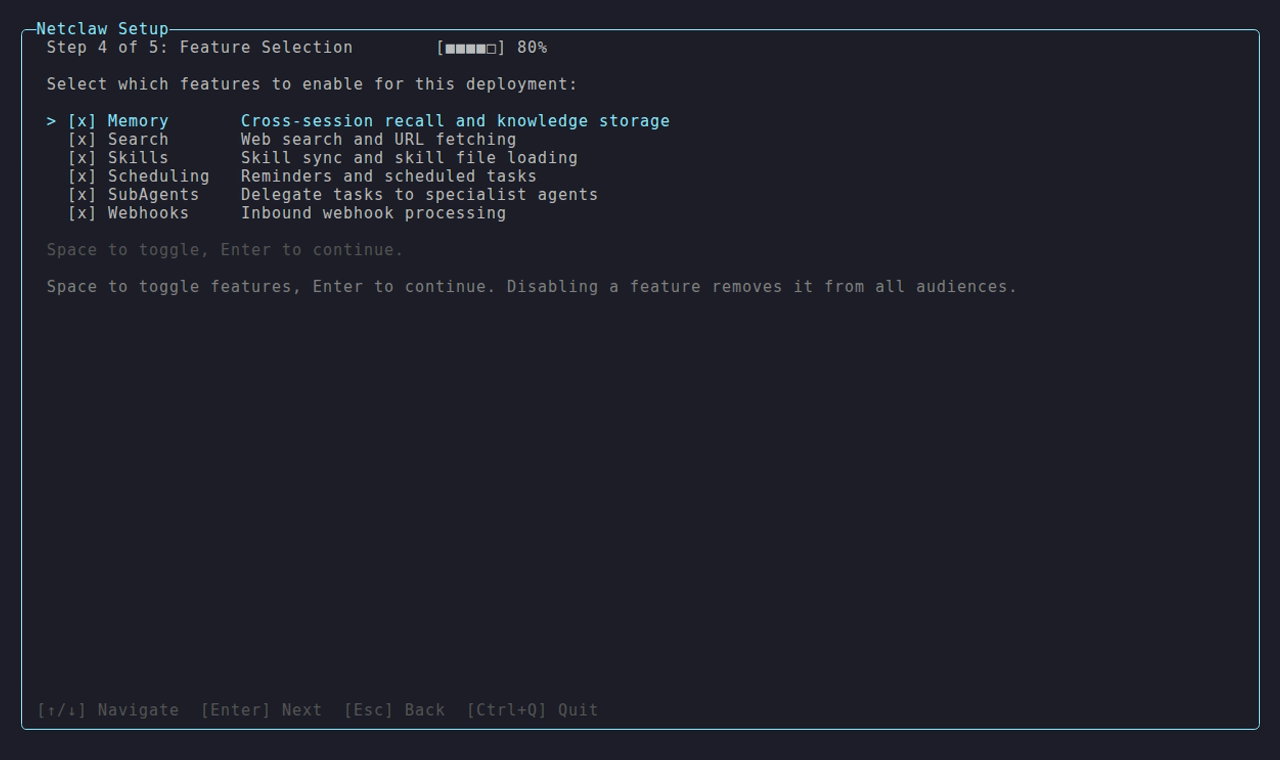
All six features default to enabled on Team posture; Public posture defaults them all off.
Step 5 — Health Check
Section titled “Step 5 — Health Check”Press Enter to run the health checks. The wizard validates config files, tests provider connectivity, and starts the daemon.
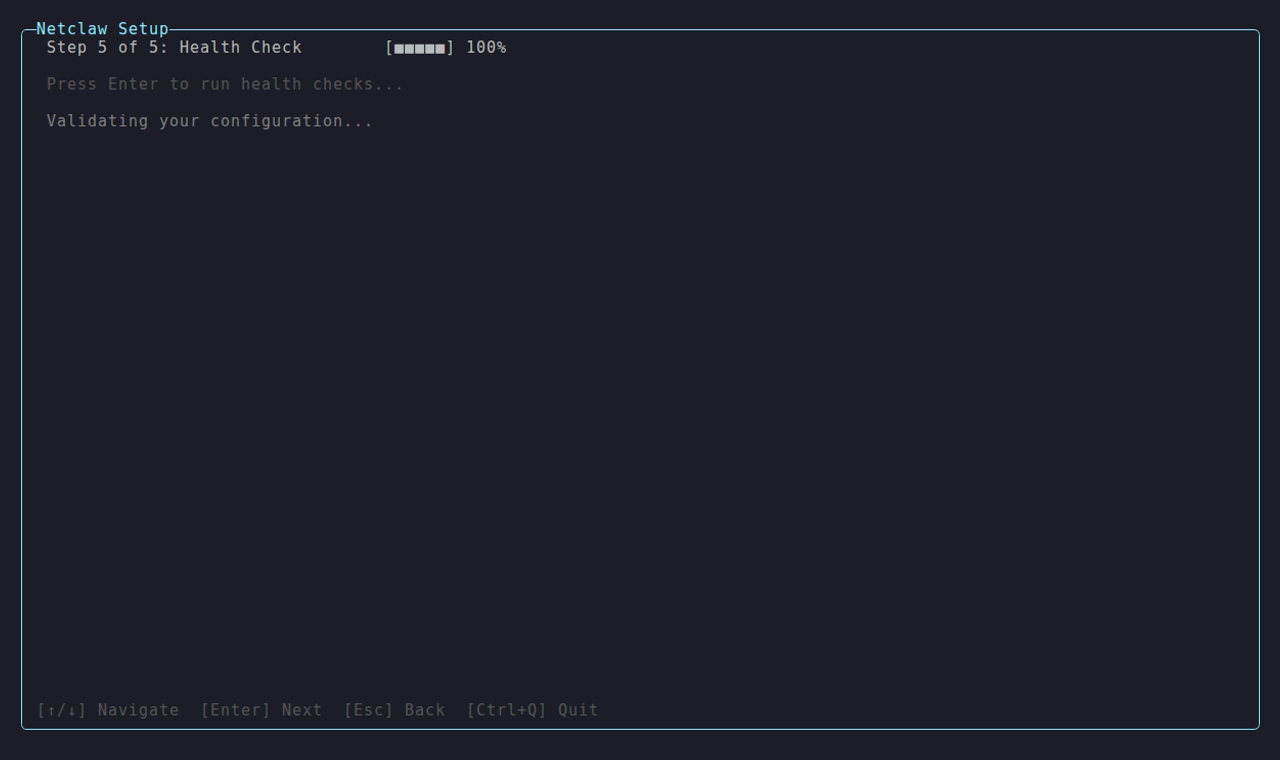
On a clean pass — all probes green — the wizard writes config and launches netclaw chat automatically. No extra confirmation needed.
If any check fails, the wizard stays on the summary screen and shows:
Setup complete with warnings. Run `netclaw daemon start`, then `netclaw chat`. Adjust settings with `netclaw config`.If init fails partway through, the files it already wrote stay on disk. Rerun netclaw init or inspect the saved config and run netclaw doctor before trying again.
Existing install
Section titled “Existing install”Running netclaw init when ~/.netclaw/config/netclaw.json already exists opens an action menu instead of the bootstrap wizard.
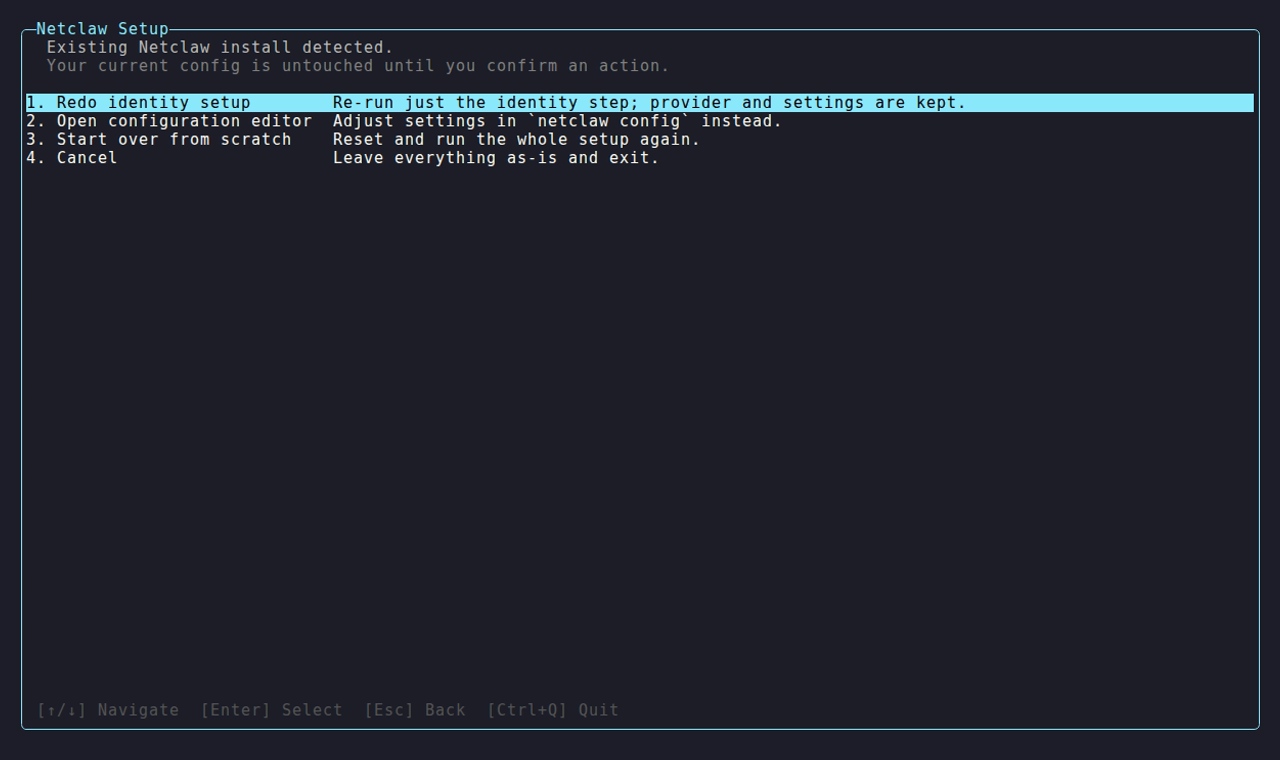
| Option | Effect |
|---|---|
| Redo identity setup | Re-runs the four-substep identity flow; provider and all other settings are kept |
| Open configuration editor | Launches netclaw config |
| Start over from scratch | Destructive reset — see below |
| Cancel | Exits with config untouched |
Start over from scratch
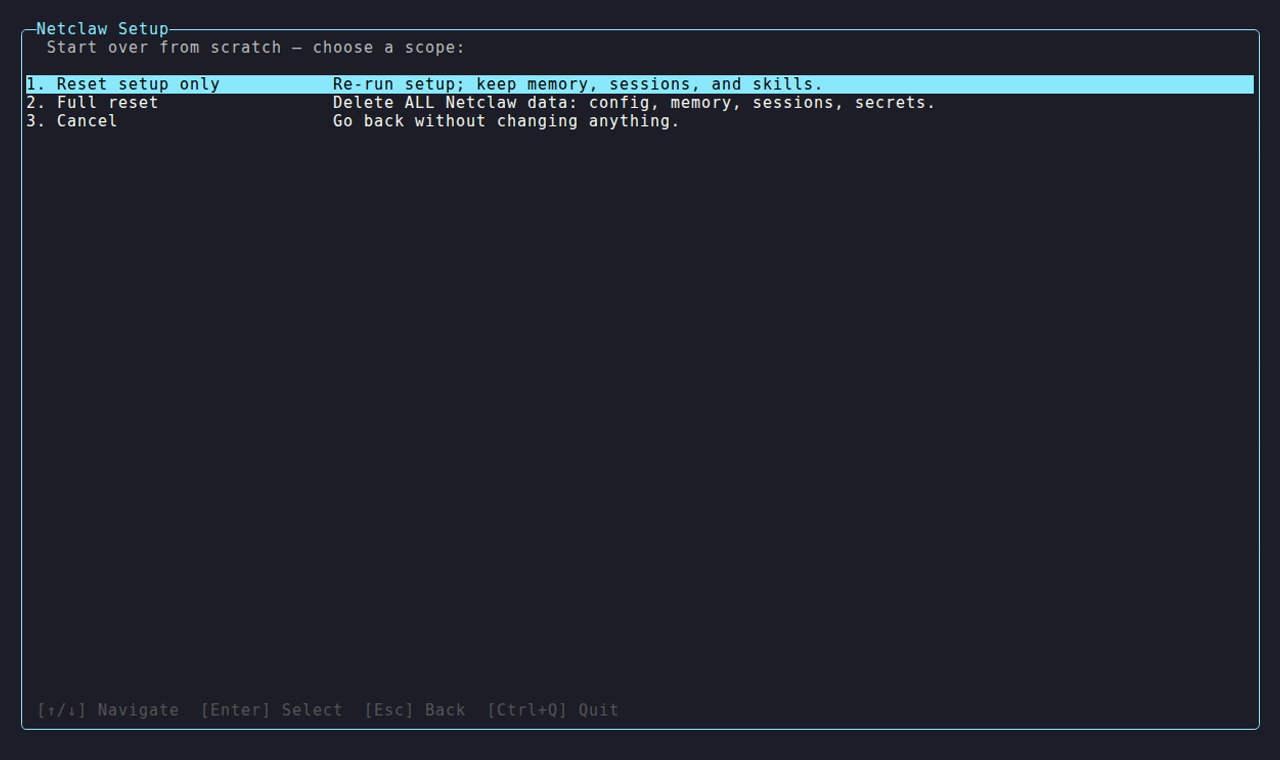
Section titled “Start over from scratch”Selecting “Start over from scratch” opens a scope chooser:
| Scope | What’s deleted |
|---|---|
| Reset setup only | Config, secrets, identity, and personality (~/.netclaw/config/, ~/.netclaw/identity/, ~/.netclaw/soul/). Memory, sessions, and skills are kept. |
| Full reset | Everything under ~/.netclaw/ |
| Cancel | Returns to the action menu |
Both destructive scopes require two confirmations. The default selection at each confirmation is Cancel — you have to move to the Yes option and confirm twice before anything is deleted.
What init creates
Section titled “What init creates”| File | Purpose |
|---|---|
~/.netclaw/config/netclaw.json | Main configuration (includes security posture and feature flags) |
~/.netclaw/config/secrets.json | Encrypted credentials |
~/.netclaw/identity/ | Agent identity and personality |
After init
Section titled “After init”After init, netclaw responds to you locally via netclaw chat — and nothing else. No channels are connected, search is disabled, and the daemon is loopback-only. To wire up Slack, Discord, or Mattermost, enable web search, or expose the daemon to your team, run netclaw config next.
# Connect channels, enable search, set exposure mode, configure skillsnetclaw config
# Verify everything is healthynetclaw doctor
# Check daemon statusnetclaw status
Related commands
Section titled “Related commands”netclaw config— Post-install configuration for channels, search, exposure, skills, and webhooksnetclaw doctor— Diagnose config and connectivity issuesnetclaw status— Check daemon health and connector statesnetclaw provider— Add or swap providers without re-running initnetclaw model— Reassign model roles without re-running init
Resources
Section titled “Resources”- OpenRouter documentation — API keys, model catalog, rate limits
- Ollama installation — Local model runtime setup
- Tailscale Funnel documentation — Exposing services to the public internet via Tailscale (configure in
netclaw configafter init) - Cloudflare Tunnel documentation — Exposing services via Cloudflare’s network (configure in
netclaw configafter init)
 Built by Petabridge